robotics · ages 13-18
Best 3D Printers for Teen Beginners (2026): Creality Ender-3 V3 SE vs Anycubic Kobra 2 Neo
The honest pick between the Creality Ender-3 V3 SE and Anycubic Kobra 2 Neo for a teen's first 3D printer, based on specs and published expert reviews.
Published 2026-06-06 · 9 min read
Amazon Associates disclosure
As an Amazon Associate, I earn from qualifying purchases. The price you pay is the same. This guide is based on manufacturer specifications, published independent reviews, and verified-buyer feedback, not hands-on testing.
TL;DR
- The Creality Ender-3 V3 SE (~$200, ages 13+ supervised) is the best first 3D printer for most teen beginners: proven, the biggest help community at this price, and easy to fix when a print fails.
- The Anycubic Kobra 2 Neo (~$200) is the better choice if you want the most hands-off first layer — its LeviQ 2.0 one-touch leveling and grippy PEI bed make the early prints stick with less fuss.
- They're both excellent ~$200 FDM starters. Pick the Ender-3 V3 SE for the ecosystem; pick the Kobra 2 Neo for the easiest setup.
As an Amazon Associate I earn from qualifying purchases made through links in this review. It doesn't change the price you pay. This comparison is based on manufacturer specifications and published expert reviews, not personal hands-on testing.
Your teen wants a 3D printer. The internet hands back fifty "best of" lists, half of them written for engineers with a $1,200 budget. Cut through it and two machines keep landing on the beginner shortlist at around $200: the Creality Ender-3 V3 SE and the Anycubic Kobra 2 Neo. Both are filament printers built for first-timers. They look almost interchangeable on paper. They aren't, quite. Here's how to choose.
Quick answer: which one should you buy?
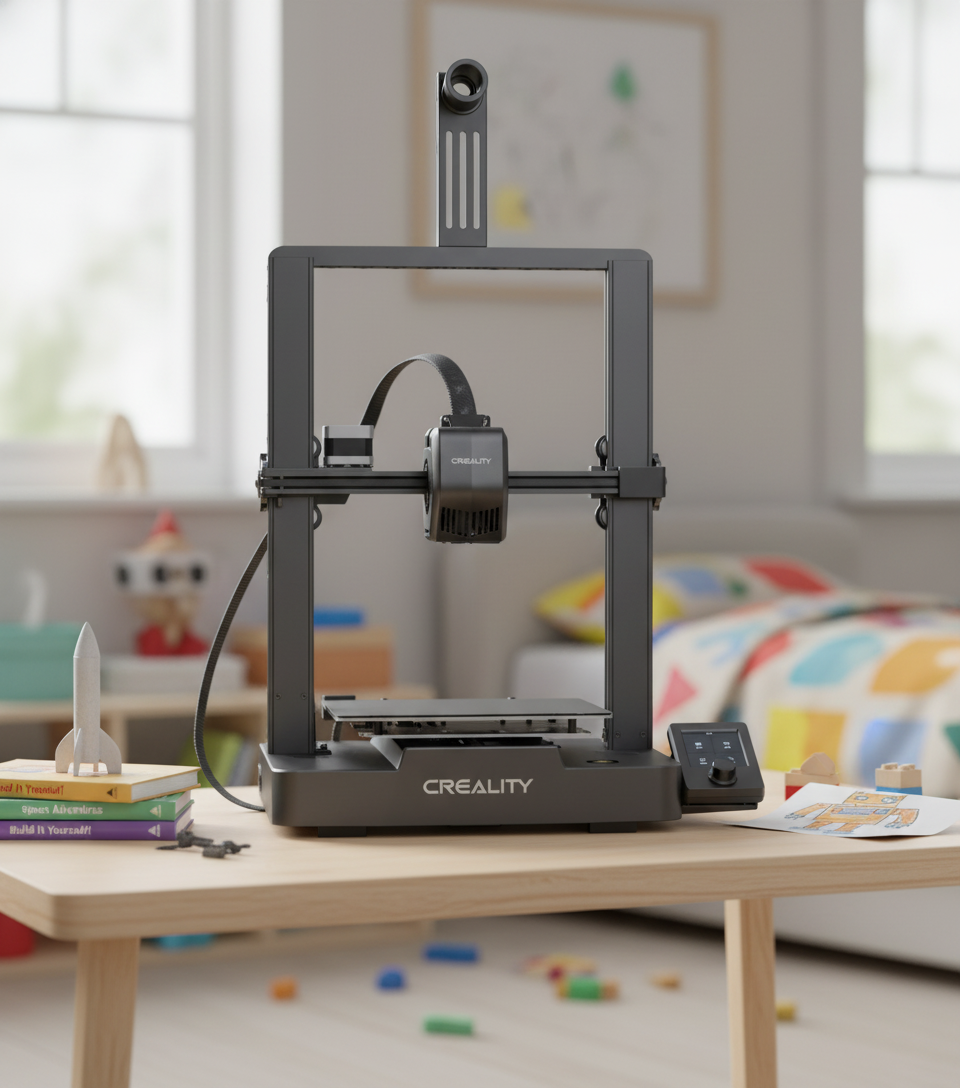
For most teen beginners, buy the Creality Ender-3 V3 SE. It's the better-supported machine at this price. When a print fails at midnight, the fix is already on YouTube, Reddit, and a thousand forum threads, because the Ender-3 line is one of the most documented beginner printers around. Tom's Hardware lists it as the best-value pick for teens and notes it assembles in about 10-15 minutes, then self-levels and sets its own Z height (Tom's Hardware).
Pick the Anycubic Kobra 2 Neo instead in one case: you want the smoothest possible first layer with the least fiddling. Its LeviQ 2.0 system runs a 25-point auto-level plus a true one-touch smart Z-offset, which is genuinely closer to "press start and walk away" than the Ender (Anycubic Wiki).
Both cost about the same and print at the same speeds. This is not a budget decision. It's a personality decision: does your teen want the printer with the most help available, or the one that fights them least on day one?
What do you actually get for ~$200?
Both machines are FDM (fused deposition modeling) printers, the type that melts a plastic filament and lays it down layer by layer. For a teenager, that's the right category. Printing PLA on an FDM machine in a ventilated room sits in roughly the same risk class as running a hot glue gun, which is why every published recommendation for kids and teens is an FDM printer rather than a resin one (Tom's Hardware).
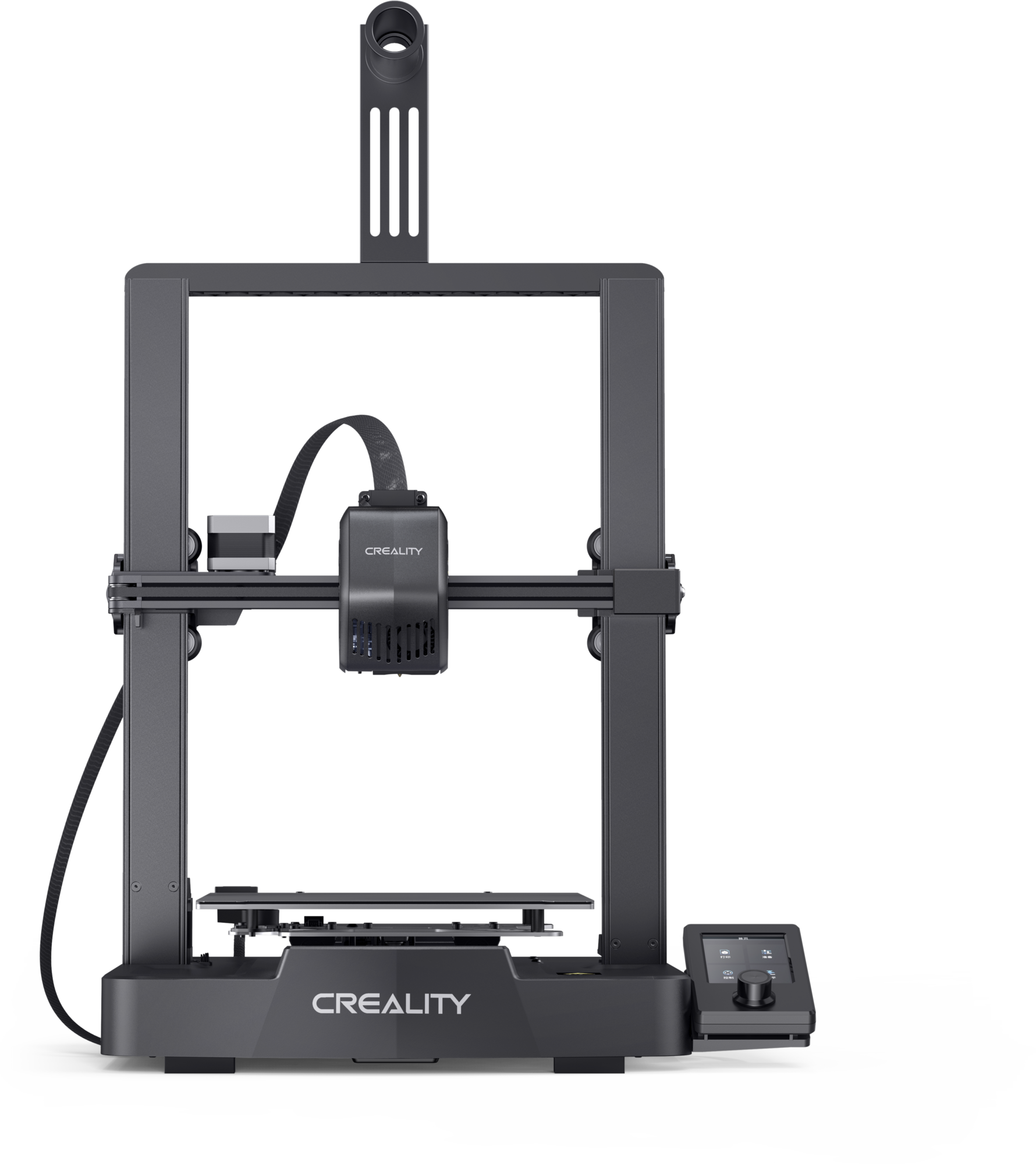
Creality Ender-3 V3 SE — a 220 x 220 x 250 mm build volume, a Sprite direct-drive extruder, CR-Touch auto-leveling, a flexible PC-coated magnetic steel bed, and a 250 mm/s top speed (realistically 80-120 mm/s for clean results). It handles PLA, PETG, and TPU; the nozzle tops out at 260C, so ABS and nylon need an upgrade (Tom's Hardware).
Anycubic Kobra 2 Neo — a near-identical 250 x 220 x 220 mm build volume, an integrated direct-drive extruder with a 60W heater and a 7000 RPM part-cooling fan, LeviQ 2.0 auto-leveling, a textured PEI bed, 150 mm/s default speed and 250 mm/s max (Anycubic Wiki).
The spec sheets nearly mirror each other. Same build volume class, same top speed, both direct-drive (Creality Experts). The differences that matter are smaller and more practical than the headline numbers.
Which one is easier for a true beginner?
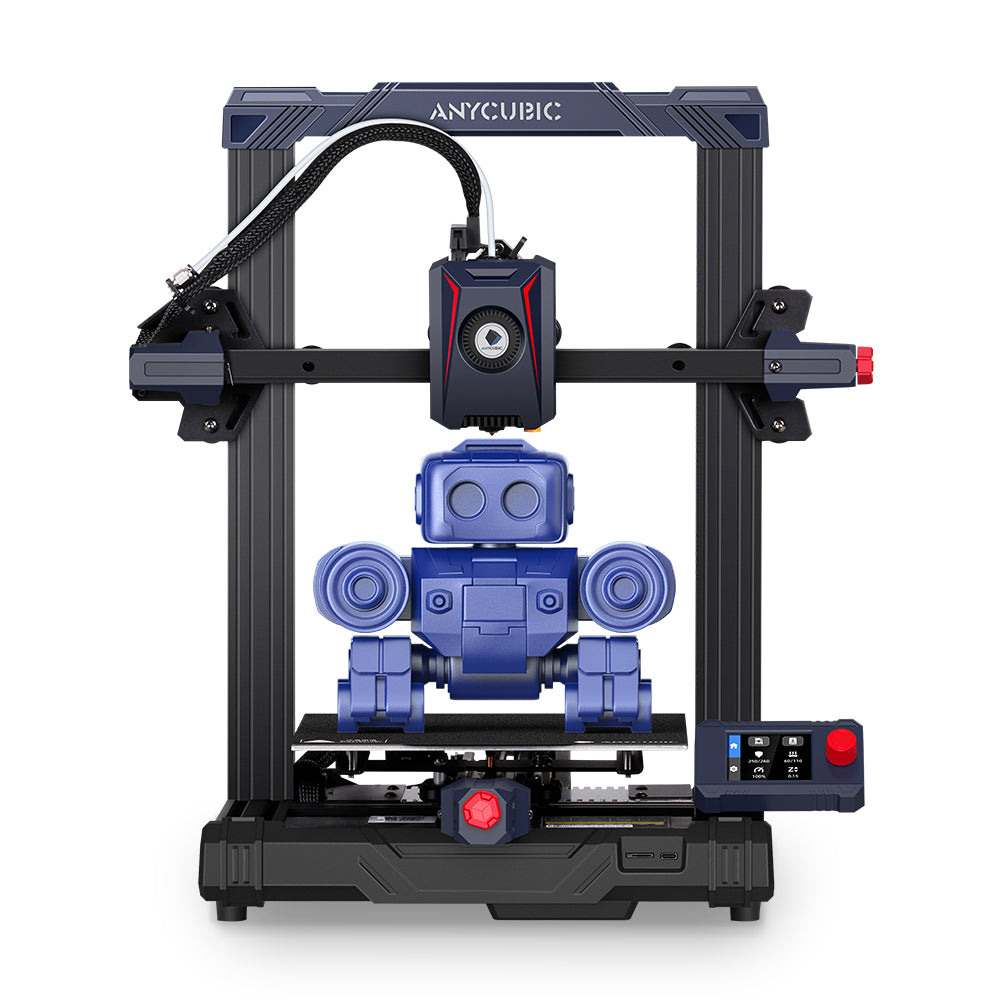
The Kobra 2 Neo wins the first day. Its LeviQ 2.0 leveling maps 25 points across the bed and sets the Z-offset for you in one touch, and its textured PEI surface grips PLA aggressively. For a 13-year-old who has never printed before, that combination means the first layer is more likely to just stick.
The Ender-3 V3 SE gets very close. It auto-probes 16 points, then asks you to finish the Z-offset in a short guided step rather than doing it fully automatically (Creality Experts). That extra step is a two-minute task, not a barrier, and Creality puts the instructions on the screen as you go.
Why does this even matter? Because the first layer is where beginners fail. First-layer adhesion is the single most common 3D-printing problem a newcomer hits, and the cause is almost always nozzle distance, bed prep, or temperature, not a broken machine. One detail catches everyone: a single fingerprint deposits enough oil to create a non-stick patch exactly the size of your fingertip (eufyMake). Both printers attack this with auto-leveling. The Kobra just needs slightly less help from you.
Where the Ender-3 V3 SE pulls ahead
Specs are a snapshot. An ecosystem is a safety net. This is where the Ender-3 line shines.
When your teen's print curls off the bed, or the extruder clicks, or a model comes out stringy, the answer is already written somewhere. The Ender-3 family is among the most-sold beginner printers ever, so tutorials, replacement parts, upgrade mods, and slicer profiles are everywhere and cheap. That depth of support is worth more to a frustrated beginner than one extra leveling point.
It's also a dependable machine. It lacks a filament runout sensor, so a long overnight print can fail silently if the spool runs dry mid-job (Tom's Hardware). That's a real downside, worth a mention before your teen queues an 8-hour print. But it's a small, well-known quirk.
Leaning toward robotics rather than pure printing? A 3D printer pairs naturally with a coding kit. Our mBot Neo vs Elegoo starter guide covers that side of the maker bench, and our budget circuit kits roundup is a cheaper on-ramp.
How they compare, side by side
| Feature | Creality Ender-3 V3 SE | Anycubic Kobra 2 Neo |
|---|---|---|
| Price tier | ~$200 | ~$200 |
| Build volume | 220 x 220 x 250 mm | 250 x 220 x 220 mm |
| Auto-leveling | CR-Touch, 16-point + assisted Z | LeviQ 2.0, 25-point + one-touch Z |
| Print bed | PC-coated magnetic steel | Textured PEI |
| Max speed | 250 mm/s | 250 mm/s (150 default) |
| Extruder | Sprite direct drive | Integrated direct drive |
| Filament runout sensor | No | No |
| Assembly time | ~10-15 min | Under 20 min (semi-assembled) |
| Community / parts | Largest at this price | Solid, smaller |
Prices are approximate as of June 2026 and move with sales. Both brands also sell direct (Creality, Anycubic) and run their own affiliate programs, so bundles and prices differ from Amazon.
Read that table and the story is clear: these are siblings, not rivals from different leagues. The Kobra leads on leveling and bed grip; the Ender leads on community and proven track record. Everything else is a wash.
The safety part every parent should read
A 3D printer is a maker tool, not a toy, and the difference matters most for where you put it. The nozzle runs between 200C and 260C. Burns from the hotend are the common injury, usually minor, and almost entirely avoided by waiting for parts to cool before touching them (3DPrinting.com).
The less obvious risk is the air. When PLA melts it releases ultrafine particles, and one analysis found that 9-to-18-year-olds had the highest predicted particle deposition in their lungs from 3D-printer emissions (R3). The fix is easy and non-negotiable: put the printer in a ventilated room, not a small closed bedroom, and stick to PLA, which emits far less than ABS. Run the first few prints with an adult nearby. After that, a careful teen can run it solo.
This is why the published guidance points to roughly 14+ with light supervision for entry FDM printers, with a motivated 13-year-old fine when a parent sets up the first prints (Tom's Hardware). The age gate is about heat and ventilation, not whether they can run the software. They can.
What about spending a bit more?
If your budget can stretch, the Bambu Lab A1 Mini is the printer Tom's Hardware names best overall for ages 14+, praised for the smoothest ease-of-use and RFID-tagged filament that simplifies slicing (Tom's Hardware). The trade is a smaller build area and a step up in price. For a true beginner on a $200 budget, it's an upgrade to keep in mind for later, not a reason to skip the two printers here.
Going the other direction, there isn't a meaningfully better printer below $200 right now. Cheaper machines drop the auto-leveling that saves beginners from the first-layer misery above, which is a false economy. The ~$200 tier is the floor where a teen's first printer is actually pleasant to learn on.
The verdict — our pick
Bottom line: For most teen beginners, the Creality Ender-3 V3 SE is the pick (4.5/5) — the best-value first 3D printer, with the biggest help community and the easiest path to a fix when a print fails. Choose the Anycubic Kobra 2 Neo instead if you want the most hands-off first layer (true one-touch LeviQ 2.0 leveling and a grippy PEI bed).
Buy the Creality Ender-3 V3 SE for the teen who'll dive in, hit problems, and want answers fast. The community around it turns every failure into a 10-minute search instead of a dead end, and that's the single thing that keeps a new printer off the shelf and in use.
Buy the Anycubic Kobra 2 Neo for the beginner who values a clean, sticky first layer over everything else, or who's nervous about setup. Its one-touch leveling does more of the work for you.
Either way you're spending about $200 on a real, capable FDM printer that a careful teen can learn on. Match the machine to the kid: most-help-available, or least-fuss-on-day-one. Both are honest picks, and neither will end up as an expensive paperweight if you put it somewhere ventilated and let them actually use it.