Robots and drones · Ages 6-8
Best Coding Robots for 7-Year-Olds: Screen-Free vs App-Based Reality Check
Honest comparison of coding robots for age 7. Screen-free vs app-based, what they actually teach, and the 'boredom cliff' no one talks about.
Published Jul 22, 2026 · 8 min read
As an Amazon Associate, I earn from qualifying purchases. Your price stays the same.
TL;DR
- Botley 2.0 (~$35–80) is the safest pick for screen-free, independent play, teaches sequencing and debugging without reading or a tablet.
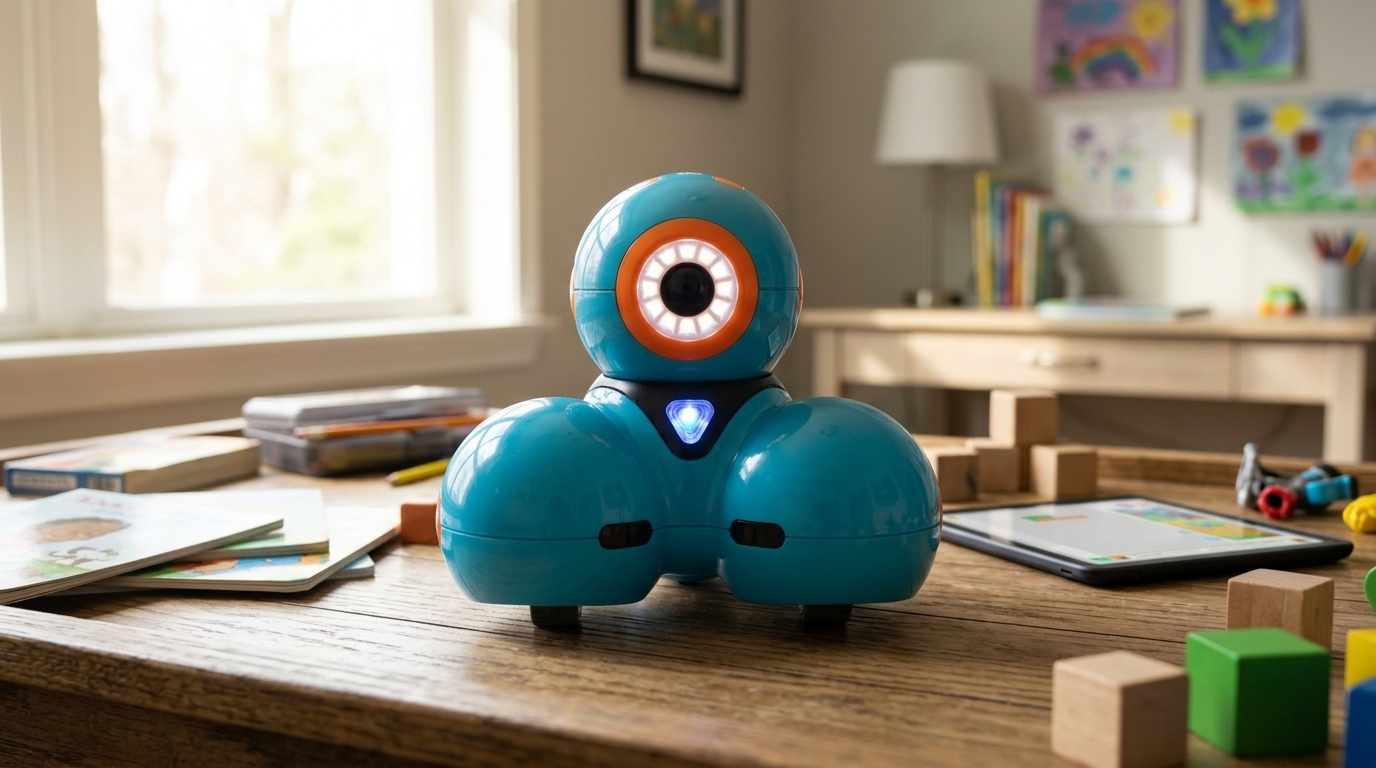
- Wonder Workshop Dash (~$100–150) is the pick if your kid loves apps and you want longer engagement depth, but requires device management.
- Code & Go Robot Mouse (~$40–90) is a good entry point if budget matters, but has the shortest play lifespan.
- All three teach thinking about logic, not actual coding. Know that upfront, and set expectations accordingly.
How we evaluated: For this guide to the best coding robots for 7 year olds, we reviewed peer-reviewed research on robotics learning outcomes for K–12, manufacturer specifications verified against Amazon, CPSC safety standards, AAP screen-time guidance, and patterns across published expert reviews. This is research-based, not hands-on testing. Where failure modes appear across multiple verified reviews, we cite them. Otherwise, claims stay grounded in published expert sources.
Quick pick: Botley 2.0. Best for screen-free, independent play that teaches sequencing and debugging without reading or a tablet. See it on Amazon (affiliate link)
What actually happens when you buy a "coding robot"?
Buying coding robots for 7 year olds comes with one hard truth: your kid isn't writing Python. They're not running a text editor. They're not debugging a script. What they are doing is learning that order matters. Mistakes become findable. Fixing a problem teaches something real. That's computational thinking. It's the foundation. Not the building itself.
The marketing pitch is "teaches your kid to code." What it actually means: "teaches your kid to think sequentially, debug systematically, and build intuition about cause and effect." It's critical groundwork. It's also miles away from real coding. Set that expectation now, and you'll be happy. Skip it, and you'll feel ripped off when your 7-year-old isn't reading JavaScript by next month.
The screen-free vs app-based trade-off
Screen-free robots (Botley 2.0, Code & Go Robot Mouse) lock in your kid's focus. No notifications. No pairing delays. No "the app crashed." Your 7-year-old presses buttons on a remote and watches the robot move. When it goes wrong (and it will), they can trace the path and fix it themselves. No abstract error messages. Just visible, tangible mistakes.
Research consistently shows that for ages 5–7, this tactile experience builds problem-solving faster than screen-based coding. Kids learn by manipulating the physical system. They don't learn by reading error logs on a screen.
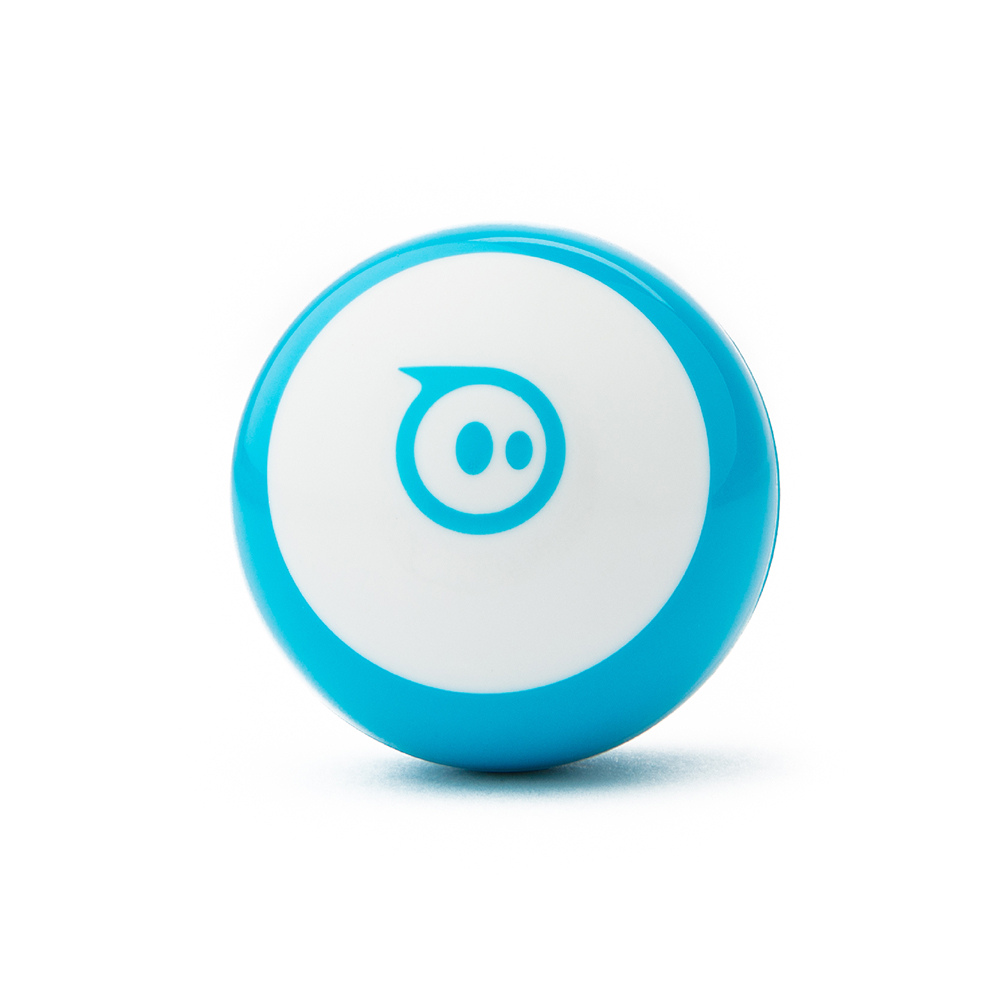
App-based robots (Dash, Sphero Mini) keep kids engaged longer because the app evolves. New levels unlock. Challenges get harder. The play doesn't plateau in week three. The trade-off is real: you need a tablet or phone. Bluetooth connectivity is sometimes flaky. Your 7-year-old learns that when tech breaks, the toy stops working.
Neither is "better." They're different tools for different kids. A 7-year-old who loves independence and hands-on debugging thrives with this screen-free option. One who loves progression and app features will stick with Dash for months longer.
The "boredom cliff" no one mentions
Here's the invisible cost nobody factors in: every budget coding robot hits a wall. This happens around 2–3 weeks of heavy play.
With screen-free robots (the Learning Resources option, Code & Go Mouse), your kid will try most of the sequencing options. The novelty peaks. They ask, "What's next?" Expansion sets exist ($20–$35), but that's a second purchase. Now you're paying extra to keep the toy interesting.
App-based robots (Dash, Sphero Mini) solve this by design. The app updates over months. New challenges unlock. The play depth lasts longer. Verified reviews consistently note this. Families with Dash report 8–12 weeks of sustained engagement. Families with the screen-free pick report 3–4 weeks before it moves to the shelf.
Budget accordingly. The screen-free option is a 3-week toy at the $35 price point. Dash is a 12-week toy at the $100 price point. Per week of engagement, they're actually closer in cost than the sticker prices suggest.
Battery and surface reality
AAA batteries are a hidden cost. Most screen-free robots (the Learning Resources option, Code & Go Mouse) require 4–5 AAA batteries total. That covers the remote and robot. With LED lights and sound effects on full-time, you'll buy fresh sets every 2–3 weeks of heavy play. That's $3–5 per cycle. Over a year, budget $75–100 in batteries alone. Plus the landfill guilt.
Rechargeable robots (Dash, mBot) sidestep this cost. Charge via USB once a week, and you're done. The catch: you need to remember to charge. USB cables also have a way of disappearing in every household.
Surface matters more than expected. The screen-free options work best on hard floors or low-pile carpet. Thick carpet, rugs, and outdoor concrete slow them down. Random stops happen. Dash handles carpet slightly better due to wheel traction. If your play space is a shag rug, factor in frustration.
What coding concepts does each robot teach?
For a 7-year-old, sequencing is the accessible one. They can press "forward, forward, turn, forward" and see the result. Loops and conditionals need reading fluency or heavy parental explanation. Those come later.
All of these robots teach sequencing well. Screen-free robots keep it simple: push buttons, watch movement. App-based robots unlock loops and conditionals through visual blocks. Think "repeat X times" or "if-then logic." For a 7-year-old still solidifying reading, the app's visual interface in Dash is helpful. Or overwhelming. It depends on the kid.
Comparison: the robots worth considering
| Feature | Botley 2.0 | Code & Go Mouse | Wonder Workshop Dash | Makeblock mBot |
|---|---|---|---|---|
| Age fit | 5+ (best 6–8) | 4+ (best 4–6) | 6+ (best 6–9) | 8+ (too complex for 7) |
| Screen-free? | Yes (100%) | Yes (100%) | No (app required) | No (Scratch + app) |
| Coding style | Physical remote sequences | Directional cards | Block-based app | Block-based + text |
| Price | ~$35–80 | ~$40–90 | ~$100–150 | ~$70–120 |
| Battery type | 5x AAA (frequent replacement) | 4x AAA (frequent replacement) | Rechargeable Li-ion (5hr runtime) | Rechargeable Li-ion (2–4hr runtime) |
| Learning depth | 2–3 weeks before plateau | 1–2 weeks | 8–12 weeks with app updates | 8–12 weeks (but steeper curve) |
| Durability (frame) | Plastic (cracks if mishandled) | Plastic | Plastic | Aluminum + plastic (most durable) |
| Best for age 7? | ★★★★★ (ideal) | ★★★★☆ (good entry) | ★★★★☆ (if app-comfortable) | ★★☆☆☆ (too advanced) |
Honest downsides of each
The Learning Resources pick (Botley 2.0) is our top choice. It's not flawless, though. Parents consistently report that plastic snap blocks can crack if forced together. The included project booklet has typos that confuse early readers. Battery life with LEDs on runs shorter than advertised: 1–2 weeks instead of the claimed 2–4.
Code & Go Robot Mouse is budget-friendly. It has the shallowest play depth. Kids master directional sequences quickly. The only way to extend interest is add-on activity sets ($20–$30 each). It's a fine toy if expectations are low. It's disappointing if you expect it to occupy a 7-year-old for a month.
Wonder Workshop Dash shines in engagement. Bluetooth pairing occasionally drops. The app occasionally has sync issues on older tablets. Add-on accessories (launcher, gripper, sketch kit, ~$25–$40 each) feel necessary by month two when base play plateaus. Total cost of ownership climbs fast.
Makeblock mBot is genuinely durable (aluminum frame) and supports both Scratch and Arduino-level coding. It's overkill for age 7. The learning curve is steep. Assembly requires adult help. The coding concepts (variables, loops, sensor logic) overwhelm kids still solidifying sequences.
Who should NOT buy each robot
- Skip the screen-free option if your kid doesn't like being told what to do. The remote-control model feels limiting to kids who want open-ended exploration. Also skip if you're hoping for long-term engagement without expansion sets.
- Skip Code & Go Mouse if your kid already finished the screen-free pick or Dash. It'll feel too simple. Also skip if you lack patience for battery changes. AAA burn-out is real.
- Skip Dash if you don't have a tablet or phone the kid can borrow unsupervised. Skip it too if you're trying to minimize screen time on principle. Also skip if Bluetooth connectivity is unstable in your home. Some older routers cause pairing drops.
- Skip mBot if your 7-year-old isn't reading fluently yet or isn't ready for the complexity. This robot is 8+ material. Forcing it into a 7-year-old's hands produces frustration, not learning.
The verdict
Bottom line: Botley 2.0 the Coding Robot (4.4/5) is the safest screen-free pick for most 7-year-olds. It teaches sequencing and debugging without reading or a tablet. Research backs screen-free robotics for this age.
If budget is tight and you want to test the waters, start with Code & Go Robot Mouse (~$40). It's a 2-week toy. It's honest and damage-free if your kid loses interest.
If your kid loves apps and interactivity, go straight to Wonder Workshop Dash. Yes, it's $100+. The app keeps it fresh for 3 months. Verified reviews show families actually sustain engagement. That matters more than the sticker price.
If you want a robot that grows with your kid and survives heavy play, Makeblock mBot is the only truly durable option. Wait until age 8 or 9 though, when the coding concepts won't feel abstract.
No matter which you pick, remember that these robots teach thinking about logic, not coding itself. Set that expectation. Enjoy the play-based learning. Revisit real coding classes when your 7-year-old is 10+. You'll be happier. They will too.
Related reading
Explore more STEM picks for this age: Best STEM Toys for 6-to-8-Year-Olds 2026 or dive deeper into screen-free options with Best Screen-Free Coding Toys 2026.
Shopping for a gift? Start here
- Best LEGO Botanicals Sets for Adult Builders and Gift-Givers (2026)
- LEGO Botanicals Bonsai Tree vs LEGO Botanicals Orchid: Which Is Better for Adult Builders and Gift Buyers?
- Holiday Gift Guide 2026: The Best Toys by Age and Budget, From Preschool to Grown-Ups
- Gifts for Grown-Ups Who Still Love Toys: LEGO, Board Games and Puzzles (2026)
How we research: This guide is based on manufacturer specifications, published independent reviews, and verified-buyer feedback, not hands-on testing.
Holiday gift guide drops every Friday in Q4
One email a week with the newest review and the toys our community is actually buying. No spam, unsubscribe anytime.