stem-kits · ages 6-8

Best STEM Toys for 6 to 8 Year Olds (2026): 5 Picks Ranked by What They Actually Teach

Most STEM-toy gift guides rank by sticker price or star rating. This research-based guide ranks 5 real picks for ages 6-8 by what each one teaches, how much parent time it demands, and how it handles a failed build. Safety-checked against CPSC and AAP guidance.

Published 2026-06-01 · 9 min read

Amazon Associates disclosure

As an Amazon Associate, I earn from qualifying purchases. The price you pay is the same; the small commission helps fund hands-on testing of every product reviewed here.

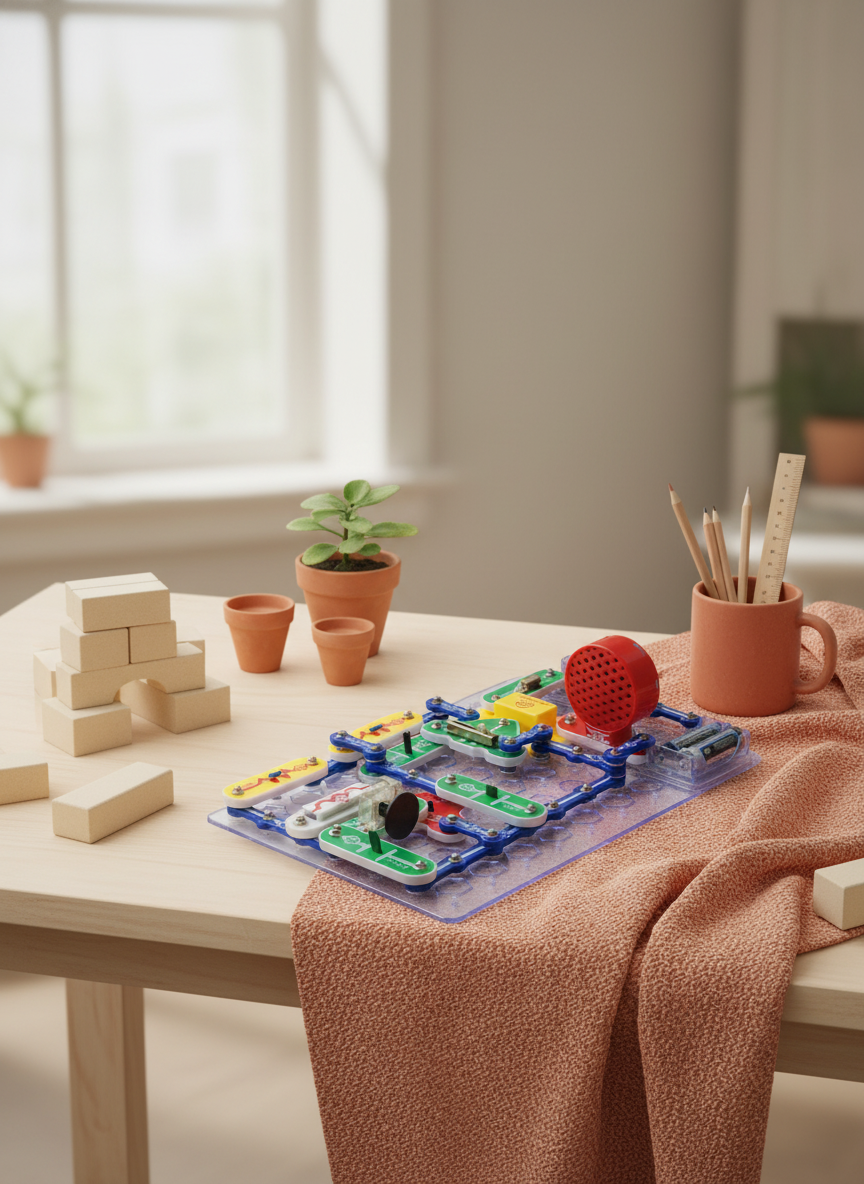
Snap Circuits STEM kit — original hero illustration
AI illustration (based on the manufacturer product photo) · reference

TL;DR

  • For most 6-8 year olds, start with Snap Circuits Jr. SC-100 (~$25, screen-free): cheapest, most independent play, and it teaches real electronics by making mistakes visible.
  • Want coding logic without a screen? Botley 2.0 ($50-80) is the screen-free coding pick; if you already allow tablet time, Osmo Coding ($60-80) adds fine-motor block coding but Common Sense Media rates it 7+, so lean it toward the top of this age band.
  • Skip LEGO Boost for now (labeled 7-12, retired, and tablet-dependent) and treat Kiwi Crate (~$24/mo) as the no-commitment "does my kid even like this?" trial.

Picking a STEM toy for this age is a bet on attention span, reading level, and screen-time budget. This research-based guide ranks five real, age-appropriate picks by what each one teaches and how much parent time it asks for. Verdicts are synthesized from manufacturer specs, expert reviews, and published safety standards, not from a personal hands-on test. Safety claims are checked against the U.S. Consumer Product Safety Commission and the American Academy of Pediatrics.

As an Amazon Associate, I earn from qualifying purchases made through product links in this review. This does not affect the price you pay.


How did these 5 toys make the list?

The shortlist kept only toys that are genuinely right for the 6-8 band, carry a credible third-party signal (Common Sense Media, educator vetting, or a manufacturer learning spec), and teach a distinct skill so the five do not overlap. That ruled out a lot of "STEM" toys that are really branded building blocks.

The five: Snap Circuits Jr. SC-100 (electronics), Botley 2.0 (screen-free coding logic), Osmo Coding Starter Kit (block coding with a tablet), KiwiCo Kiwi Crate (monthly hands-on science), and LEGO Boost 17101 (robotics, the "wait a year" pick). Botley is labeled ages 5+, Kiwi Crate is ages 5-8, and the Jr. kit is 8+ on Amazon, so the band straddles all three.

This is a synthesis guide: the verdicts below come from published specs, expert reviews, and safety standards rather than a single reviewer's playroom. Where a claim is about learning value, age fit, or safety, it is cited to a named source so you can check it yourself.

Which STEM toy teaches the most for the money?

The cleanest signal here is what skill the toy builds, not how many pieces are in the box. Here is the lineup side by side, drawn from each product's listing and learning spec.

PickAge fitPrice tierScreen-free?Parent involvementWhat it teaches
Snap Circuits Jr. SC-1008+ label; 6-7 with help~$25YesLowReal circuits: current, polarity, series vs parallel
Botley 2.05+~$50-80YesLow-mediumSequencing, loops, if/then logic — no screen
Osmo Coding Starter Kit5-10 label; CSM 7+~$60-80No (needs iPad)Medium (app setup)Block coding + fine-motor; loops and commands
KiwiCo Kiwi Crate5-8~$24/moYesMedium (some cuts)Applied science across physics/chem/bio
LEGO Boost 171017-12 (retired)~$160No (needs tablet)Medium-highRobotics + drag-and-drop coding, loops, variables

A few things jump out from the specs alone. The Jr. kit delivers over 100 guided projects with 28 snap-together parts for ~$25 and no device: strong learning-per-dollar. Osmo and LEGO Boost cost more partly because they bundle a tablet experience; whether that is value or overhead depends on your screen-time appetite. Kiwi Crate is the only consumable. You rent a new project each month, not a reusable kit. On learning-per-dollar, the screen-free, reusable Jr. kit is hard to beat at this age.

Is Botley 2.0 or Osmo Coding the better coding starter?

Both teach the logic behind coding (sequencing, loops, breaking a goal into steps) without a real programming language. The split is about screens.

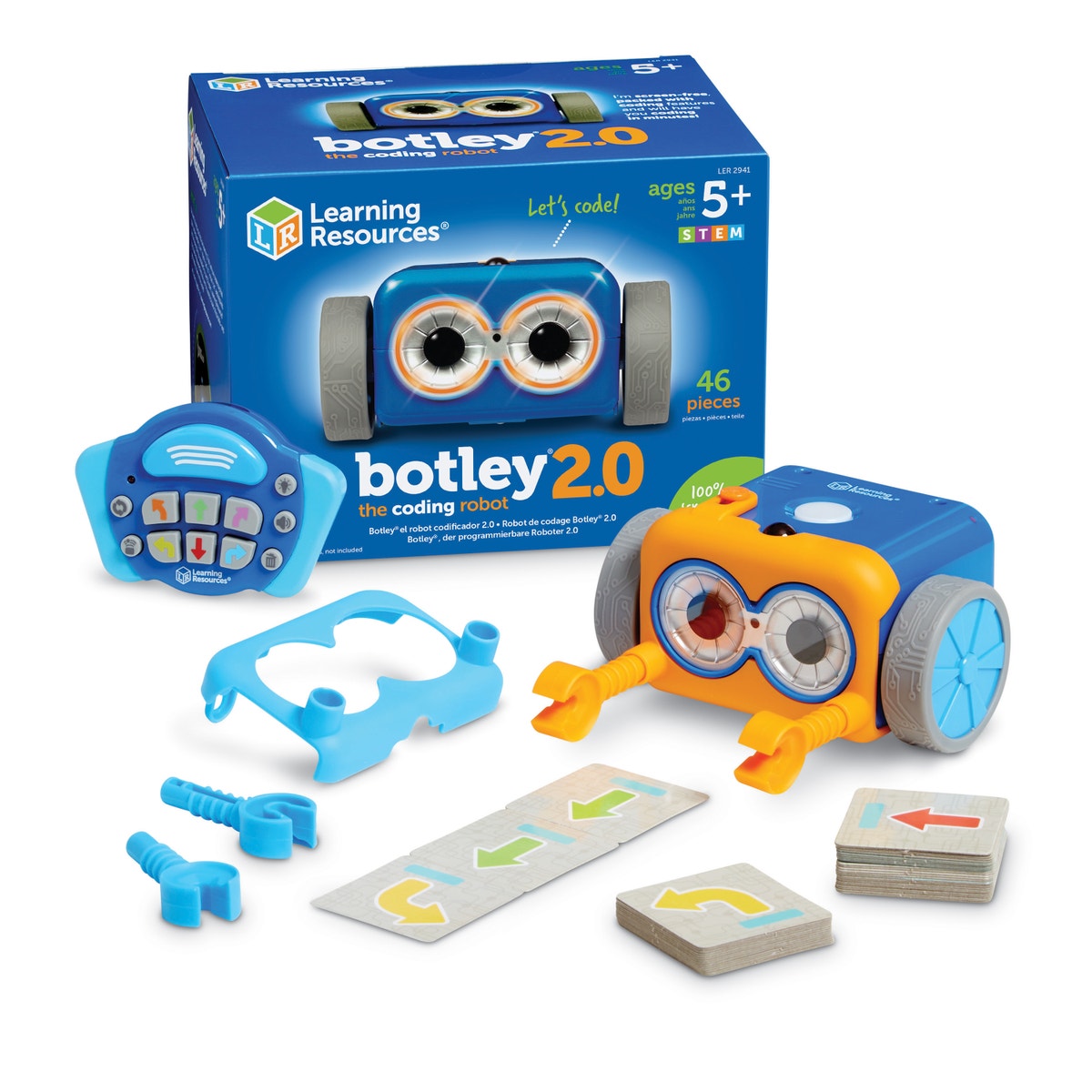
Botley 2.0 is 100% screen-free: the kid programs it with a physical remote, building sequences of up to 150 steps with loops, then watches the robot drive a maze. The 78-piece activity set adds coding cards and obstacle boards. For a parent rationing tablet time, that is the headline feature.

Osmo Coding keeps physical blocks but routes them through an iPad: the child connects tangible command blocks and a camera reads them to move an on-screen character. Common Sense Media rates Osmo Coding 7+ with "a lot" of educational value, noting the blocks "click together, just as visual blocks of code do in programming languages such as Scratch" and foster "executive functioning and problem-solving." That 7+ rating is why this guide leans it toward the upper half of the age band.

Honest framing: for coding logic with no screen, Botley wins. If tablet time is already allowed and you want the fine-motor plus on-screen feedback loop, Osmo is richer, and per that 7+ rating, more so for a 7-8 year old than a 6 year old.

What happens when the build doesn't work?

Every STEM toy eventually produces a build that fails. The difference is whether the failure teaches anything, and that comes down to how each toy surfaces an error.

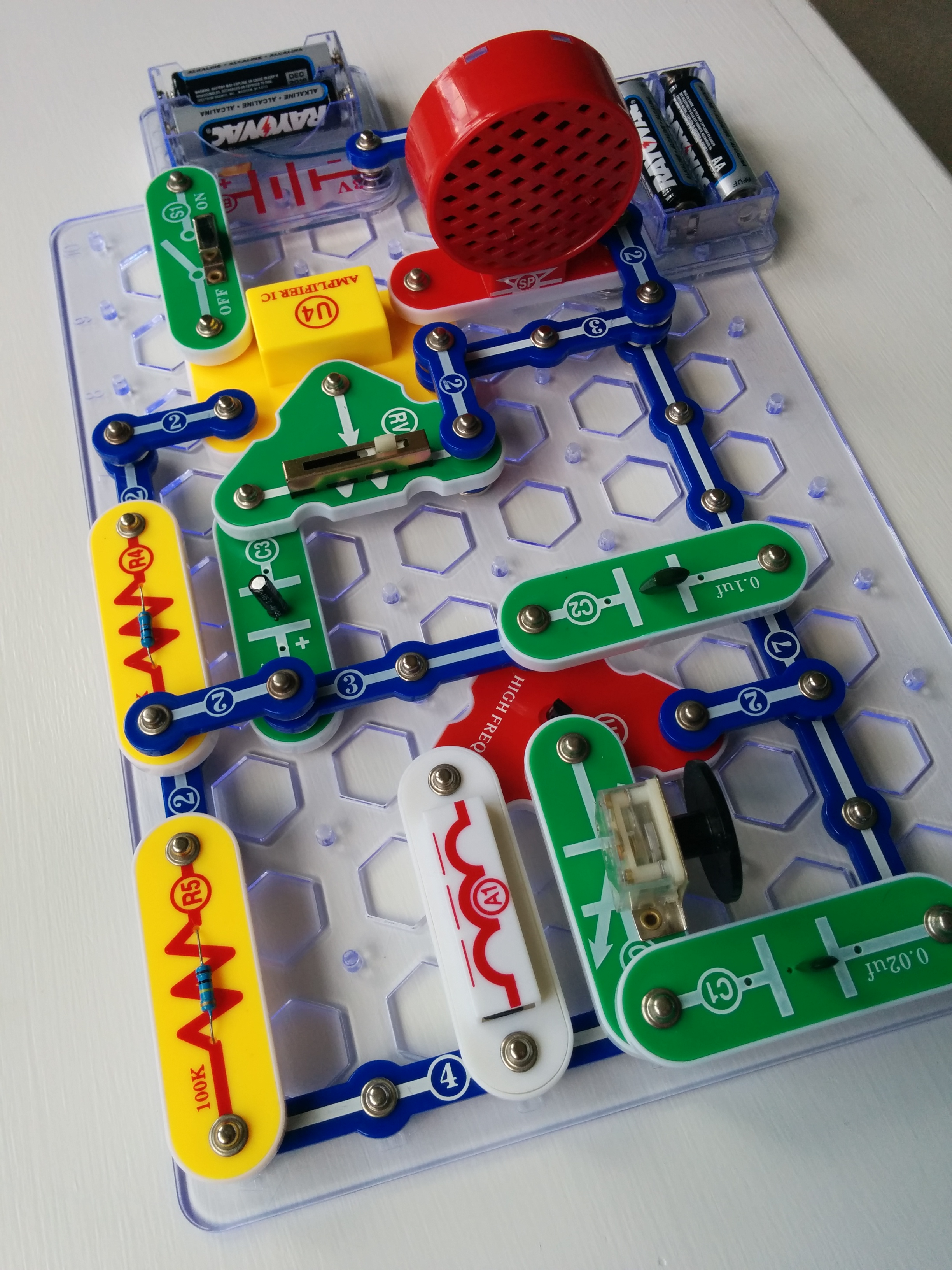
With the Snap Circuits Jr. kit, every component is visible on the pegboard. When a circuit does not light, the kid can trace the path, spot a part placed backwards, flip it, and watch the LED come on. The mistake itself surfaces polarity and current. With Osmo and LEGO Boost, failures surface inside the app rather than on a visible board, so a young child gets less of a "here is exactly what is wrong" signal and tends to retry by trial and error. Botley sits in between: a wrong command sends the robot off course visibly, which is diagnosable if the kid recalls the sequence they entered. If your kid gets frustrated easily, the visible-error toys are the safer bet.

How safe are these for a 6-8 year old (and a younger sibling in the house)?

Two safety facts matter here, both well-documented.

Small parts and choking. Toys intended for children under 3 that contain small parts are banned hazardous substances under CPSC's small-parts rule, 16 CFR Part 1501; a part counts as "small" if it fits inside a test cylinder 2.25 in long by 1.25 in wide (16 CFR § 1501.4). Toys labeled 6-8 are not required to pass that test. That means the circuit resistors, Osmo blocks, and LEGO Boost pieces are choking hazards for any child under 3 in the home. With a toddler sibling, treat the box warning as binding and store kits up high.

Batteries. Per their listings, the Jr. kit and Botley both run on AA cells, and LEGO Boost takes batteries in its hub. AA-powered kits avoid the highest-risk loose coin/button-cell hazard, but CPSC toy-safety guidance still calls for battery compartments to be secured against small children. Check that each compartment closes with a screw, and keep any button cells (sometimes used in remotes) out of a toddler's reach.

Screen time. For ages 6+, the AAP no longer sets a fixed daily minute limit; it recommends placing consistent limits on time and type of media and ensuring screens do not displace sleep, physical activity, and family time, via a Family Media Plan. Osmo and LEGO Boost both add screen time; Snap Circuits, Botley, and Kiwi Crate add none. Factor that into the pick if your kid's screen budget is already tight.

Is the KiwiCo Kiwi Crate worth a subscription at this age?

Kiwi Crate is the odd one out: a recurring box, not a one-time toy. It is built for ages 5-8 and ships a new science/art project monthly with all materials and a booklet, at roughly $24/month (cheaper on longer plans). KiwiCo line names map to ages: Kiwi Crate is the 5-8 box; the Tinker Crate is the 9-14 line, so make sure you subscribe to the right one.

Where it fits: a low-commitment way to learn whether your kid even likes hands-on STEM before spending $80+ on a reusable kit. The trade-off is that it is consumable (nothing to rebuild once done), and the projects lean on a parent for some cutting and assembly. As a subscription it links through KiwiCo's affiliate program, not Amazon.

Honest cons — what each pick gets wrong

  • The Jr. kit: the clear snap blocks can crack if a frustrated kid forces them at the wrong angle, and Elenco replacement parts can be slow to source. The 8+ label means 6-year-olds need a co-pilot for the first sessions.
  • Botley 2.0: screen-free is the draw, but remote-only programming can feel limited once a kid outgrows the included mazes and challenge cards; it is also battery-hungry.
  • Osmo Coding: needs an iPad (the Fire Tablet version is a separate ASIN), so real cost runs above the box price; per the Common Sense Media 7+ rating it can frustrate a young 6.
  • Kiwi Crate: consumable, with nothing to rebuild, and the recurring charge is easy to forget to cancel.
  • LEGO Boost 17101: labeled 7-12 and now retired, so stock and price are volatile, and the drag-and-drop app needs a tablet, which is too much overhead for most 6-year-olds. It is here as the "wait a year" option, not a buy-now pick.

For cross-checking these picks against another lens, see our deeper Snap Circuits Jr. vs littleBits comparison and, for the screen-free coding question specifically, Botley vs Code & Go for preschoolers.

So which STEM toy should you actually buy?

For most families with one kid aged 6-8: start with Snap Circuits Jr. SC-100. It is the cheapest, the most independent, fully screen-free, and it teaches electronics by making mistakes visible. It is the lowest-regret first STEM toy at this age.

Add a coding toy only if your kid shows interest: Botley 2.0 for zero screens, Osmo Coding (lean 7-8, per its Common Sense Media rating) if tablet time is already in the mix. Use Kiwi Crate as a low-commitment trial if you are unsure your kid is into hands-on STEM. And wait on LEGO Boost until 8-9, when a tablet-driven build fits. It is solid robotics, just aimed past this band.

Related reviews