electronics
Arduino vs Raspberry Pi: Which Should a Teen Buy for Electronics Projects? (2026)
Arduino or Raspberry Pi for a teen's electronics projects? They're different tools: Arduino for real-time sensors and motors, Raspberry Pi for camera, AI, and web. Pick by project.
Published 2026-06-16 · 9 min read
Amazon Associates disclosure
As an Amazon Associate, I earn from qualifying purchases. The price you pay is the same. This guide is based on manufacturer specifications, published independent reviews, and verified-buyer feedback, not hands-on testing.
TL;DR
- Arduino: microcontroller, ~$28, real-time, 6 analog inputs, best for sensors/motors/blink-an-LED.
- Raspberry Pi: Linux computer, ~$80, zero analog pins, best for camera/AI/weather dashboards.
- Want to read a sensor and trigger a motor? Arduino wins.
- Want to build a security camera or AI object detector? Raspberry Pi wins.
- Budget tight and just learning? An Elegoo clone Arduino (~$12-20) is the best entry point.
As an Amazon Associate I earn from qualifying purchases made through links in this review. It doesn't change the price you pay. This comparison is based on manufacturer specifications and published independent reviews, not personal hands-on testing.
A teen wants to build cool electronics, but should they buy an Arduino or a Raspberry Pi? The short answer: they're different tools. Arduino is a microcontroller (no operating system, real-time control, good with sensors and motors). Raspberry Pi is a full Linux computer (heavy computing power, camera, AI, networking). Pick the board that matches the project, not the hype.
What's the actual difference — microcontroller vs computer?
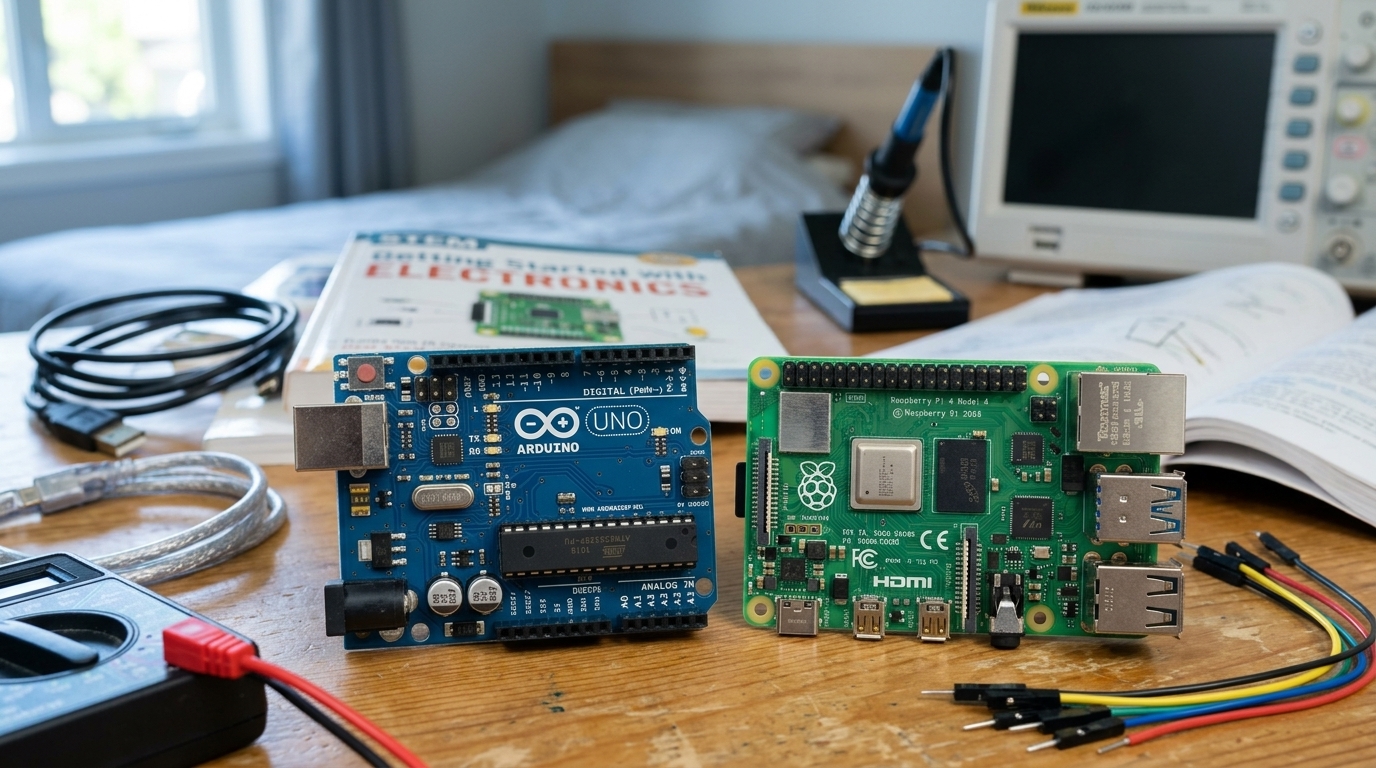
An Arduino is a bare-metal microcontroller; a Raspberry Pi runs an operating system. This split explains everything else.
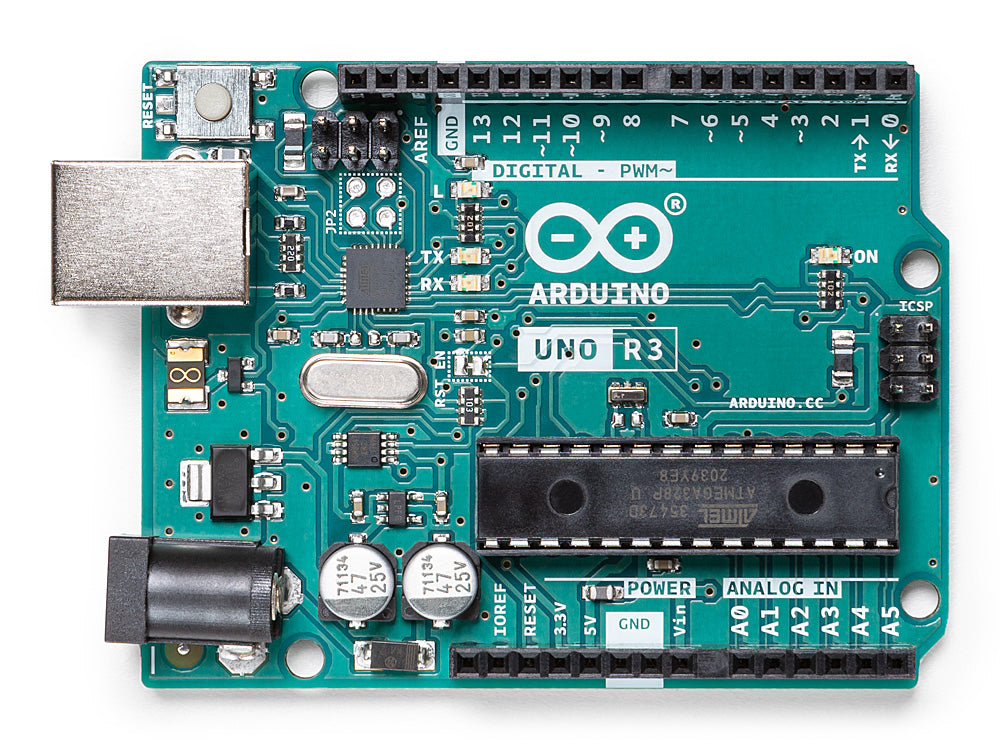
Arduino ships with no operating system. You write code in the Arduino IDE, upload it, and that code runs alone on the chip until you reprogram it. The ATmega328P processor runs at 16 MHz with 2 KB of RAM. It reads input pins in microseconds and responds deterministically. Every cycle is predictable. This is real-time control.
Raspberry Pi 5 runs Linux. It boots to a desktop, multitasks, runs Python, spawns web servers. The BCM2712 chip clocks 2.4 GHz with 1-16 GB of RAM. But Linux adds overhead: the OS scheduler can delay your code by milliseconds. That's fine for a weather station, not fine for reading a car's RPM in real time.
Result: Arduino is predictable but simple. Raspberry Pi is powerful but loose with timing.
Which is better for sensors, motors, and real-time control?
Arduino. It has 6 analog input pins that read voltage continuously. Raspberry Pi has zero. To measure soil moisture, battery voltage, or light, an Arduino connects directly. A Raspberry Pi needs a separate analog-to-digital converter board, another $5-15 and more wiring.
Arduino also controls motors and servos without lag. A servo expects a precise pulse every 20 milliseconds, and the Arduino delivers it every time. A Raspberry Pi might deliver it on time, unless the OS context-switches at the wrong moment. For robotics, that jitter causes shaky movement.
Honest con: Arduino can't do two things at once. It runs one program forever. No networking, no camera, no multitasking without add-on shields that cost extra and complicate the build per Digi-Key's breakdown.
Which is better for camera, AI, web, and heavy compute?
Raspberry Pi. It ships with a camera connector and Python 3. Add a camera, and you can stream video or run object detection with OpenCV. An Arduino can't — no OS, no Python, no camera interface per the Raspberry Pi docs.
A Raspberry Pi also runs a web server. Write a small Python app and the Pi becomes a dashboard, a security logger, or a smart-home hub, with Wi-Fi and Ethernet built in. An Arduino's web access needs a Wi-Fi shield and custom code.
Honest con: Raspberry Pi is overkill and pricier for simple jobs. SD cards can also corrupt on sudden power loss a long-documented Pi issue, so production setups want a UPS or SSD boot.
Which is easier for a beginner, and cheaper?
Arduino. The learning curve is gentler — plug in USB, open the IDE, write digitalWrite(13, HIGH), and the LED lights. No booting, no SD card, no Linux admin. The community is huge, with thousands of beginner tutorials.
Cost-wise, an Elegoo Uno R3 starter kit runs ~$20-25 and includes the board (an ATmega328P clone identical to the official chip), breadboard, components, and a tutorial book Elegoo clones use the same chip as the ~$28 official board. A Raspberry Pi 5 needs a case, power supply, SD card, and cables — $120+ before it boots a known peripheral tax.
Honest con: Arduino has a ceiling — 2 KB RAM, 16 MHz, no OS. You outgrow it only if a project needs networking, a camera, or AI. Most hobby projects never do.
Quick project guide — who buys which?
| Project | Buy | Why |
|---|---|---|
| Plant-watering sensor | Arduino | analog pins, real-time, low power |
| Robot arm with servos | Arduino | deterministic pulse timing |
| LED strip controller | Arduino | simple I/O, no overhead |
| Security camera with alerts | Raspberry Pi | camera + Python + Wi-Fi |
| Weather station to the cloud | Raspberry Pi | web server, multitasking |
| AI object detector | Raspberry Pi | heavy compute, accelerators |
Are the cheap Arduino clones any good?
For learning, yes, and they save real money. A board like the Elegoo Uno R3 uses the same ATmega328P chip as the official Arduino and works with the same Arduino IDE, so code and tutorials behave identically. The price gap is large: a clone kit runs roughly half the cost of the official board, and it bundles the breadboard, wires, and components a beginner needs.
The trade-offs are minor for a first project. Clones sometimes use a different USB-to-serial chip, which can need a driver on older laptops, and build quality varies between brands. Neither matters much while a teen is learning to blink an LED or read a sensor. Buying the official Arduino mainly supports the company that designs the platform, which is a fair reason once a teen is serious. To start, a reputable clone kit is the better value.
Can a teen use both boards together?
Yes, and it's a common pattern for ambitious projects. The two boards are complements, not just rivals. A capable build often puts a Raspberry Pi in charge of the thinking and an Arduino in charge of the timing. The Pi runs the camera, the web dashboard, and the heavy logic; the Arduino reads the analog sensors and drives the motors in real time, then reports back to the Pi over a USB serial link.
A self-driving robot car is the classic example. The Pi handles vision and route planning, while the Arduino keeps the wheels and steering responsive to the millisecond. This split sidesteps each board's weakness: the Pi gets real-time control it otherwise lacks, and the Arduino gets a brain it could never run on its own.
For a first project, though, one board is plenty. Buy the second only when a build genuinely needs both layers. If a teen is just starting out, a single board keeps the wiring and the debugging simple.
Which board grows with a teen's skills?
Start simpler than you think, then climb. A teen brand new to coding often does best one rung below either of these boards. A block-coding board like the micro:bit or Raspberry Pi Pico teaches the basics with less wiring, and the lessons carry straight over to Arduino's text code.
From there, Arduino is the natural next step for hands-on electronics, and a Raspberry Pi opens up software-heavy builds when a project calls for it. A teen who wants a guided, kit-based path into building robots can also start with an all-in-one robotics kit and graduate to raw Arduino and Pi boards once they want full control.
The honest rule: buy for the project in front of the child, not the one they might tackle in two years. You can always add a more capable board when a real build demands it, and the skills transfer cleanly up the ladder.
The verdict
Buy Arduino if you want to read sensors, drive motors, trigger relays, or learn the fundamentals — it's cheaper, faster to learn, and real-time. An Elegoo Uno R3 starter kit is the best entry point. Buy a Raspberry Pi 5 if you want a camera project, AI, or a web dashboard, and you accept the higher cost. Buy both only when a single project genuinely needs both.
Bottom line: Arduino = real-time, cheap, sensors and motors. Raspberry Pi = compute, camera, networking. Pick by project, not by brand.