Makey Makey STEM Kit Buying Guide: What Parents Should Know Before They Clip
A practical guide to the Makey Makey STEM Kit, who it suits, what to check, honest trade-offs, and how it compares to other beginner electronics options.
Publicado em 3 de out. de 2026 · 9 min de leitura
Este guia ainda não foi traduzido, por isso você está lendo a versão original em inglês.
As an Amazon Associate, I earn from qualifying purchases. Your price stays the same.
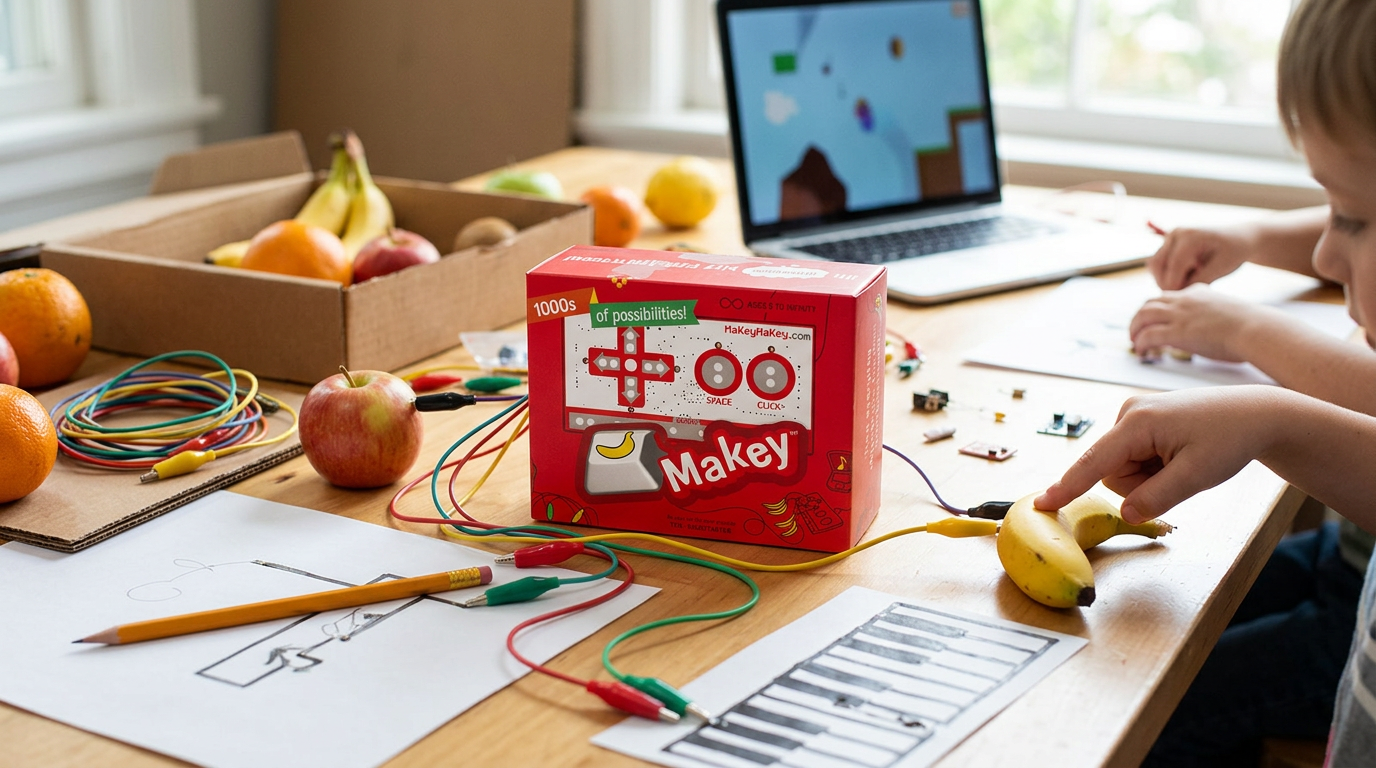
The Makey Makey STEM Kit is one of those products that looks deceptively simple on the box. A small board, some alligator clips, a USB cable, and suddenly your kid is playing piano on bananas or controlling a Scratch game with a pencil drawing. For parents weighing whether this is a genuine learning tool or a novelty that will gather dust after a weekend, the answer depends on your child's age, your home computer setup, and what you expect "STEM learning" to look like in practice. This guide pulls together the available facts so you can decide with clear eyes.
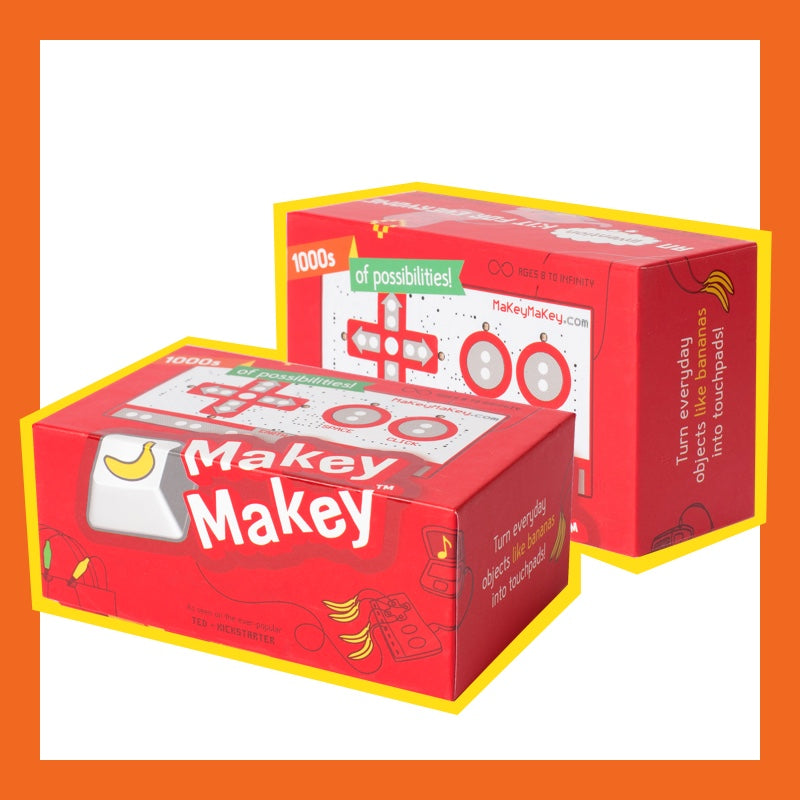
Quick pick: Makey Makey STEM Kit. Best for parents who want simple computer-based STEM play with clips, drawings, and Scratch games. See it on Amazon (affiliate link)
What Exactly Is the Makey Makey Kit?
Makey Makey is an invention kit made by JoyLabz. The company describes it as "an invention kit for everyone" that lets you turn everyday objects into computer keys JoyLabz Official Store. At its core, the kit is a USB-powered circuit board that detects electrical conductivity. You clip one side to an object (a banana, a piece of foil, a graphite drawing) and clip the other side to yourself. When you touch the object, you complete a circuit, and the board sends a keyboard signal to your computer.
That means it does not need batteries, does not need a special app to function, and works with any computer that accepts a USB keyboard. The official Amazon listing describes the setup process as "just plug, clip, and play" Amazon Product Page.
The kit has earned recognition from several outlets. It was named one of Consumer Reports' Best Tech Toys of 2014, received Popular Science's Best of Toy Fair 2014 honor, and was a finalist for Toy of the Year in 2016 The STEM Store.
Who Is This Kit Designed For?
The manufacturer recommends Makey Makey for ages 8 and up Amazon Product Page. That age guideline makes sense given the fine motor skills needed to attach alligator clips and the basic cause-and-effect reasoning required to understand what is happening.
Best Fit
- Kids aged 8–12 who are curious about how things work but are not yet ready for soldering or breadboard electronics.
- Families with a desktop or laptop computer that has a standard USB port. The kit communicates as a keyboard, so it needs a host computer to do anything interesting.
- Parents who want a screen-time bridge. Makey Makey uses the computer, but the child is building a physical interface rather than passively consuming content.
- Classrooms and homeschool settings. JoyLabz offers a dedicated STEM Pack for Classroom Invention Literacy that includes 12 boards and extra accessories for group work.
Not the Best Fit
- Very young children who may struggle with clip attachment or lose interest without immediate visual payoff.
- Households without a computer. The board itself does nothing standalone; it requires a host device.
- Families expecting a standalone coding curriculum. Makey Makey is an input device. The learning value depends heavily on what software you pair it with.
Key Features and Specifications
The core features come from the product instruction manual and the manufacturer's product pages. Here is what the kit includes and what it can do:
- USB-powered circuit board with touch pads and header pins for alligator clips.
- Alligator clips and a USB cable included in the standard kit.
- Keyboard and mouse emulation. The board sends standard keypress and mouse-click signals, which means it works with virtually any software that accepts keyboard input.
- No drivers or software installation required for basic operation. The computer sees it as a standard HID keyboard.
- Expandable inputs. The board has header pins on the back that can be connected to additional inputs beyond the included clips, allowing more advanced projects.
One detail worth noting: the instruction manual at manuals.plus covers setup, maintenance, troubleshooting, and warranty information, which is useful if you want to understand the full scope of what the manufacturer supports.
How Does It Actually Work?
The operation is straightforward, but the simplicity is part of the design, not a limitation.
- Plug the USB cable from the Makey Makey board into your computer.
- Clip an alligator wire to one of the board's input pads (the arrow keys, space bar, or the six ground pins on the back).
- Clip the other end to a conductive object, a banana, a piece of aluminum foil, a graphite pencil line on paper, even a person.
- Hold or connect the ground clip to yourself (usually by holding it or clipping it to your wrist).
- Touch the conductive object. The board detects the completed circuit and sends the corresponding keypress to your computer.
Because the board emulates a keyboard, the "programming" happens on the computer side. Open any application that responds to arrow keys or spacebar and you have a working controller. Open a drawing program and you can make a hand-drawn gamepad. Open a piano app and the bananas become keys.
What Can Kids Actually Build?
The JoyLabz website showcases some headline projects: playing Mario on Play-Doh, playing piano on bananas, but the range of projects is broader than the marketing suggests. A review from Surviving a Teacher's Salary notes that the Makey Makey website includes a full page of lesson plans (with a dual-language option) and a list of simple starter apps, though the reviewer's own children went straight to their favorite gaming sites and started experimenting independently.
Here are categories of projects that work with the kit:
- Game controllers. Remap arrow keys and space to physical objects. Scratch, browser games, and retro emulators all respond to keyboard input.
- Musical instruments. Pair with online piano or drum apps. Each conductive object becomes a note.
- Interactive art. Draw circuits with a soft graphite pencil. Clip to the drawing and use it as a touch interface.
- Science experiments. Test which materials conduct electricity. Compare fruits, metals, liquids, and organic materials.
- Accessibility projects. Build custom switches from large, easy-to-press objects for users who struggle with standard keyboards.
The lesson plans available through JoyLabz give structured starting points, which matters if you want guided learning rather than open-ended play.
What to Verify Before Buying
Before you spend money, check these practical details:
Your Computer Setup
The Makey Makey needs a standard USB-A port. If your household has moved entirely to USB-C laptops (common in recent MacBooks and some Chromebooks), you will need a USB-A to USB-C adapter. The kit does not include one. It also needs a computer running an operating system that recognizes USB HID keyboards: Windows, macOS, Chrome OS, and most Linux distributions qualify, but confirm your specific device works.
Software Expectations
The kit includes no software. It is an input device. You will need to install or open applications on your computer for the projects to do anything. Scratch (free, browser-based) is the most common pairing. Make sure you are comfortable downloading or bookmarking the apps your child will use.
Supervision Level
The alligator clips are small metal parts. The USB cable creates a tether between the child and the computer. For younger children in the recommended 8-and-up range, some parental guidance during the first few sessions helps with clip handling and understanding the ground connection.
The Single Kit vs. the STEM Pack
The standard kit (ASIN B008SFLEPE) is one board with accessories for a single user or a pair of kids working together. JoyLabz also sells a STEM Pack Classroom Kit with 12 boards and extra parts in a storage case, designed for schools and group settings. If you are buying for more than two children, the classroom pack may be more practical than buying individual kits.
Trade-offs and Honest Limitations
Every product has them, and ignoring them leads to buyer's remorse.
The kit is an input device, not a curriculum. If your child expects to learn coding from the box alone, they will be disappointed. The Makey Makey teaches physical computing concepts (circuits, conductivity, input/output), but it does not teach programming syntax or logic. You need to pair it with Scratch, Python, or another programming environment for that layer of learning. A review on Surviving a Teacher's Salary confirms that the lesson plans from JoyLabz help bridge this gap, but the plans are external resources, not included printed materials in the standard kit.
Novelty can fade. The banana-piano moment is genuinely delightful, but the wow factor is front-loaded. Sustained engagement depends on the child inventing new projects or following more complex guides. Parents who expect months of independent use without any facilitation may find the kit sitting in a drawer after the first week.
Conductivity limits apply. The kit works by completing circuits through conductive materials. Dry skin, thick-soled shoes on carpet, or very dry environments can make the connections unreliable. This is not a defect (it is physics), but it can frustrate a child who does not understand why their project stopped working.
No wireless capability. The USB cable tethers the board to the computer. For projects that involve movement or large-scale installations, the cable length is a constraint.
Makey Makey vs. Similar Beginner Electronics Options
Parents comparing STEM kits often weigh Makey Makey against microcontroller boards and other invention kits. The table below compares what is known from the available sources:
| Feature | Makey Makey Classic | Arduino Starter Kit | micro:bit |
|---|---|---|---|
| Manufacturer | JoyLabz | Arduino | Micro:bit Foundation |
| Target age | 8+ | 10–12+ (varies by kit) | 8–14 |
| Setup complexity | Plug, clip, play | Requires IDE install, breadboard wiring | USB or battery, block-based coding |
| Programming required | None for basic use | Yes (C/C++ typically) | Yes (block or text-based) |
| Conductive object input | Primary feature | Possible with sensors | Possible with sensors/crocodile clips |
| Included software | None | Arduino IDE (free download) | MakeCode, Python editor (browser-based) |
| Battery needed | No (USB powered) | Yes (USB or battery pack) | Yes (battery pack) or USB |
| Best for | Physical computing intro, creative play | Structured electronics learning | Coding + physical computing balance |
The comparison shows that Makey Makey occupies a specific niche: the lowest barrier to entry for physical computing. It trades depth of programming for immediate, tangible interactivity. Arduino kits offer more depth but require more patience and parental involvement. The micro:bit sits in the middle with block-based coding and built-in sensors.
If your primary goal is to introduce the concept that physical objects can control digital experiences, Makey Makey does that faster than any alternative. If your goal is structured electronics education that leads to Arduino-level projects, a micro:bit or Arduino starter kit may be a better long-term investment.
Practical Considerations for Parents
Price Awareness
The Makey Makey Classic has been listed at ~$70 on some retail sites The STEM Store, though current pricing varies by seller and availability. Check the Amazon product page for current pricing at the time of purchase, since Amazon prices fluctuate.
Durability
The board itself is a printed circuit board without a protective case. Alligator clips are metal and can bend or lose grip over the kit's lifespan. Treat it as a tool that needs reasonable care, not a toy that can survive being thrown in a bin.
Extension Potential
The board's back-side header pins allow advanced users to wire additional inputs. This makes the kit scalable for kids who outgrow the basic clip-to-banana projects and want to build more complex interfaces. However, this requires jumper wires and some understanding of circuits beyond what the standard kit teaches.
Software Pairings
Scratch (scratch.mit.edu) is the most common pairing and is free. Processing, p5.js, and various online piano and game apps also work. The lesson plans from JoyLabz provide structured project ideas with specific software recommendations.
Our Recommendation
The Makey Makey STEM Kit is a strong buy for families with children aged 8–12 who have access to a computer and want a low-friction introduction to physical computing. It will not teach coding on its own, and the novelty factor will wear off unless the child (or a parent) actively seeks new projects. But for the price of a mid-range board game, you get a tool that can generate genuine "how does this work?" moments, and those moments are where STEM interest actually starts.
Pair it with Scratch and the free lesson plans from JoyLabz, set aside an afternoon for the initial setup together, and let the child drive from there. If they run out of ideas after the banana piano, the kit did its job: it opened a door. Whether the child walks through it depends on what you put on the other side.
Sources
- JoyLabz Official Makey Makey Store
- Makey Makey STEM Kit on Amazon
- Makey Makey STEM Kit Instruction Manual
- Makey Makey STEM Pack Classroom Kit: JoyLabz
- Makey Makey STEM Pack on Amazon
- Makey Makey Review: Surviving a Teacher's Salary
- Makey Makey Product Page: The STEM Store
- Makey Makey STEM Pack: The STEM Store
Procurando um presente? Comece por aqui
- Best LEGO Botanicals Sets for Adult Builders and Gift-Givers (2026)
- LEGO Botanicals Bonsai Tree vs LEGO Botanicals Orchid: Which Is Better for Adult Builders and Gift Buyers?
- Holiday Gift Guide 2026: The Best Toys by Age and Budget, From Preschool to Grown-Ups
- Gifts for Grown-Ups Who Still Love Toys: LEGO, Board Games and Puzzles (2026)
How we research: This guide is based on manufacturer specifications, published independent reviews, and verified-buyer feedback, not hands-on testing.
Guia de presentes de fim de ano toda sexta no Q4
Um e-mail por semana com a avaliação mais recente e os brinquedos que nossa comunidade está realmente comprando. Sem spam, cancele a inscrição quando quiser.